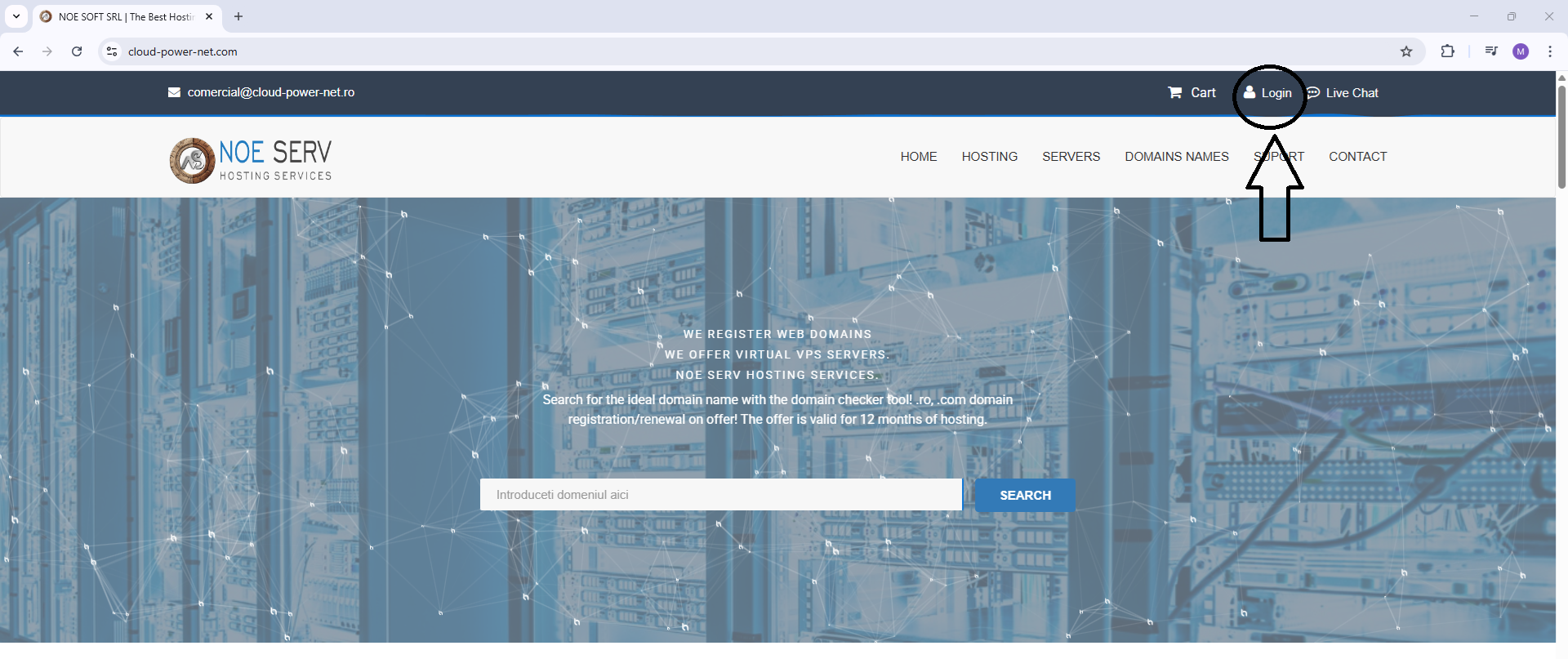
First you need to log in by accessing the 'Login' link.
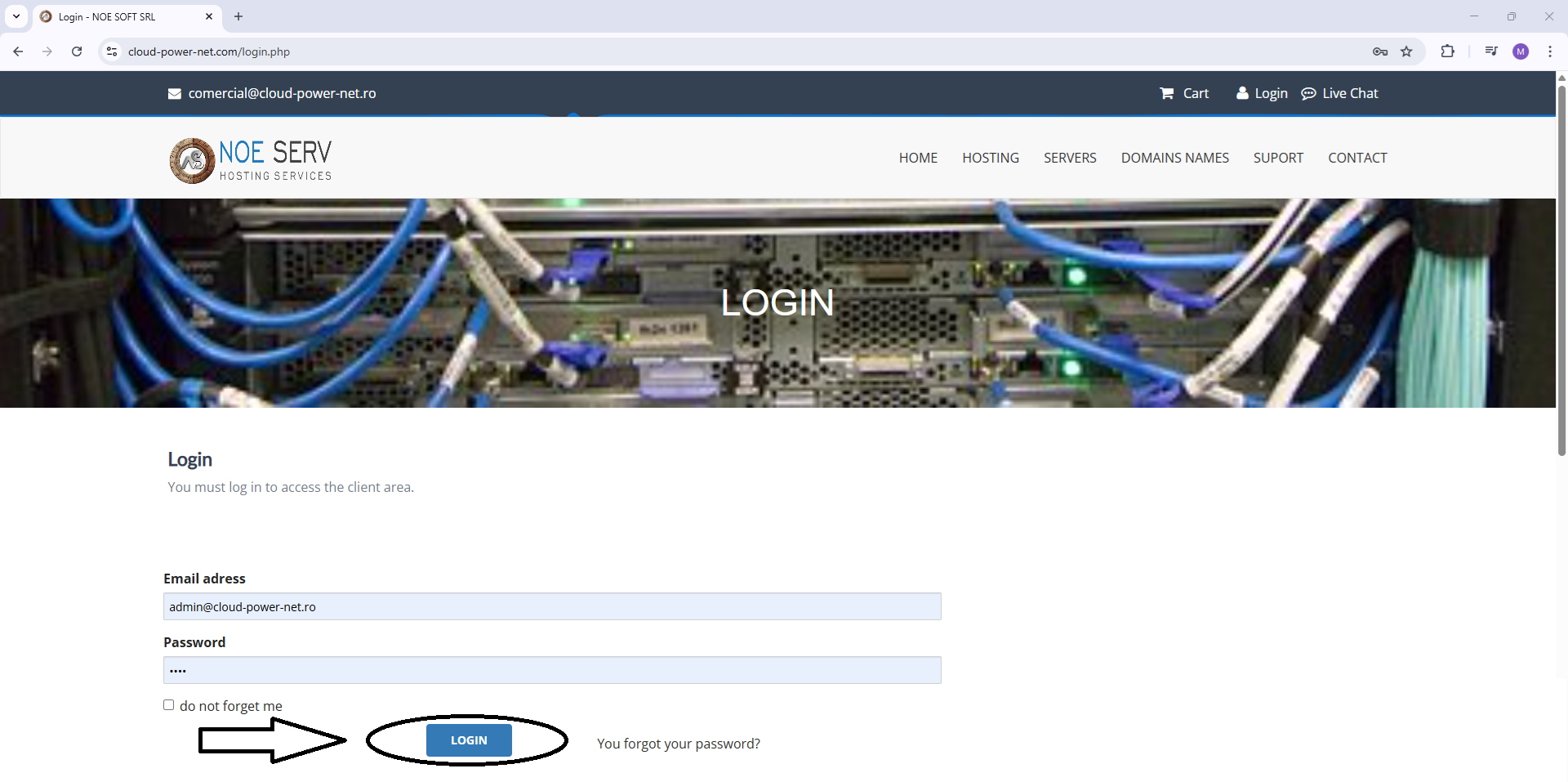
Now fill in the username and password received by email when creating the account, then press the 'Login' button.
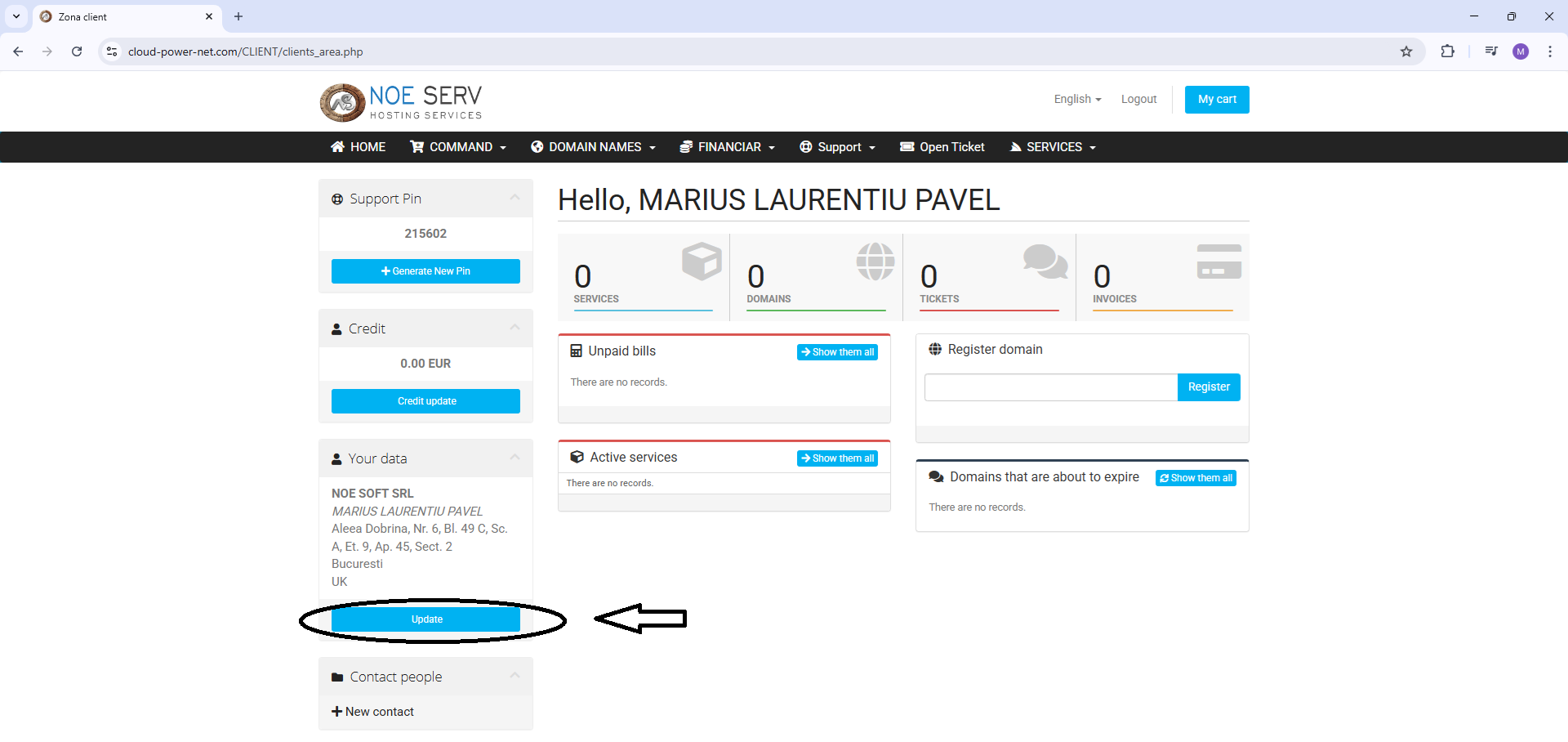
Now you need to access the page where you can change your account profile data, as in the image.
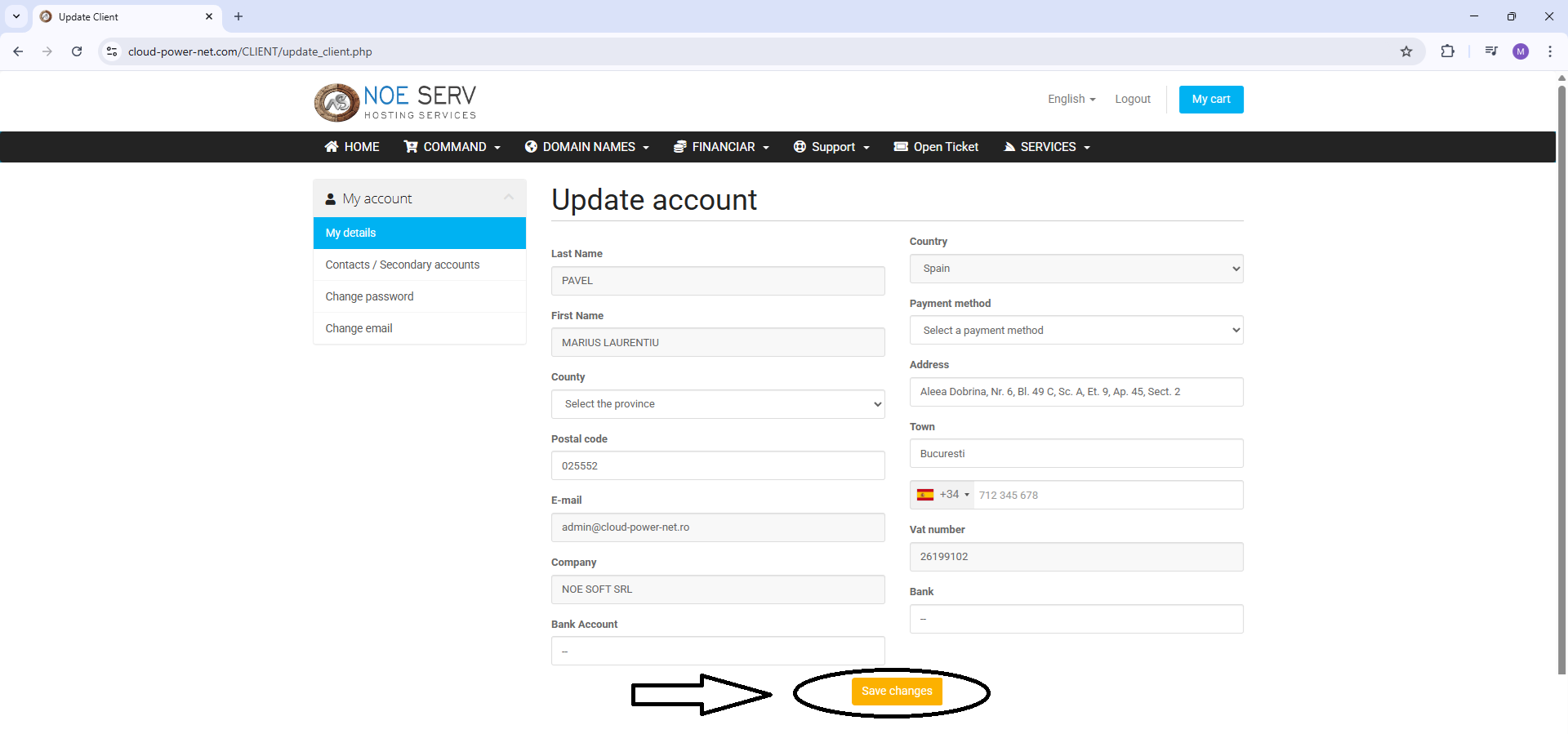
On this page you can add the correct data and then click the 'Save changes' button.
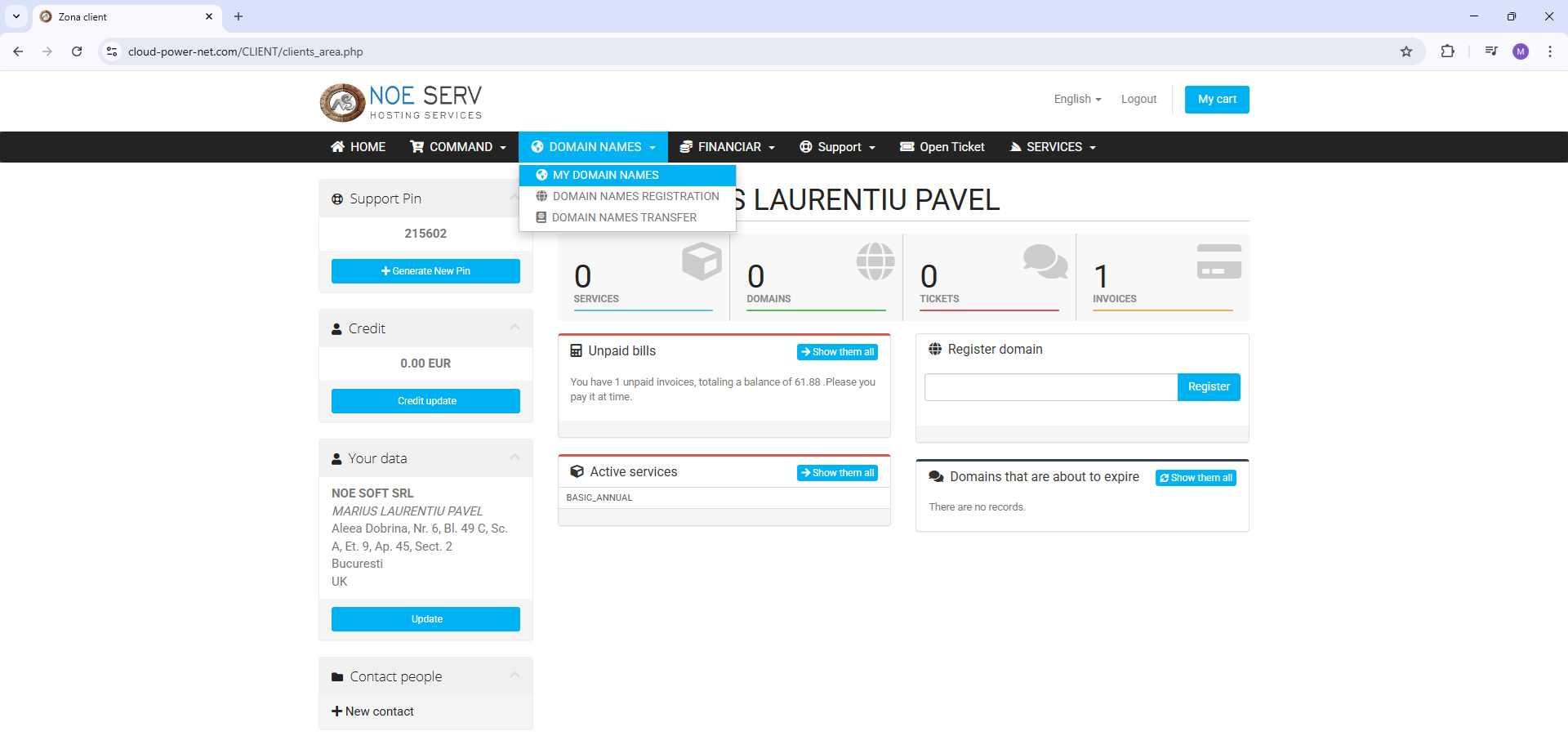
You will now be able to display all the domains you have so you can select the domain you want to activate. You can do this by accessing the link indicated in the image.
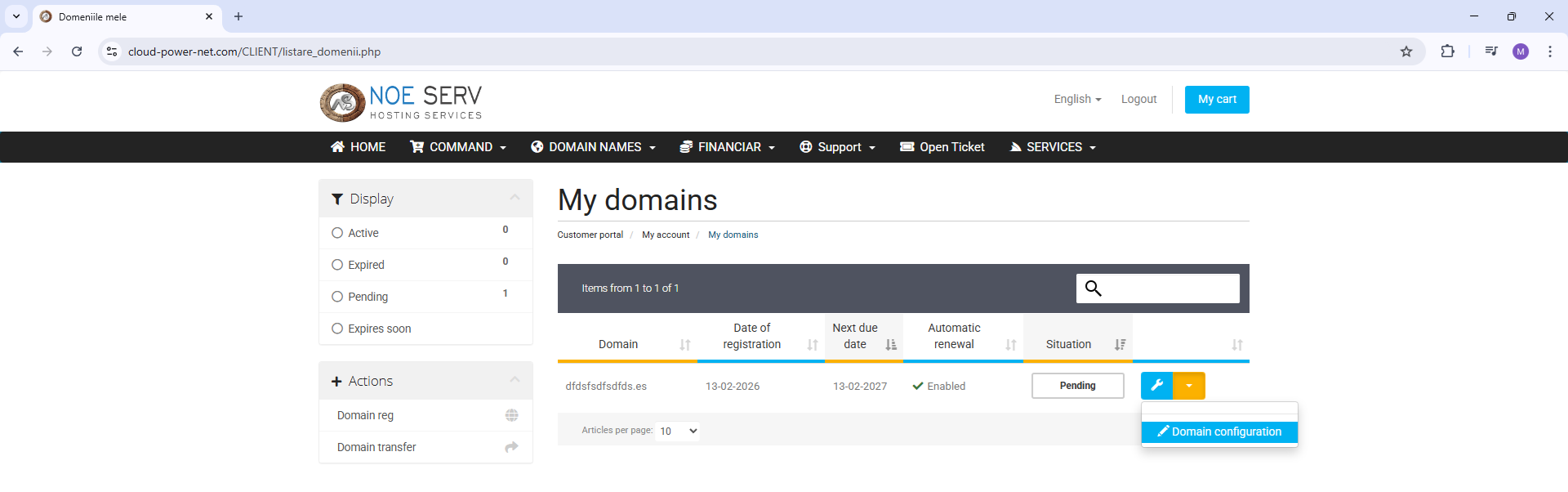
For the desired domain, you can access the domain configuration page, from which you will access the page intended for domain activation.
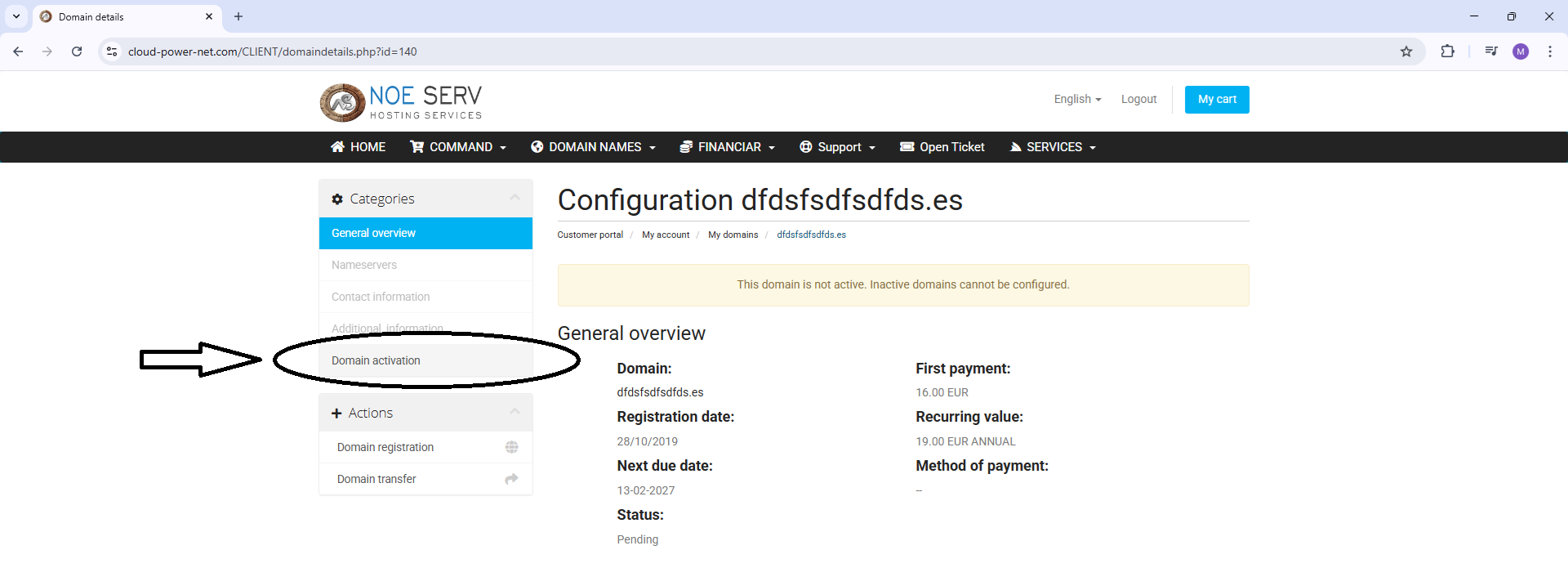
You can access the domain activation page by accessing the 'Domain activation' link as shown in the image.
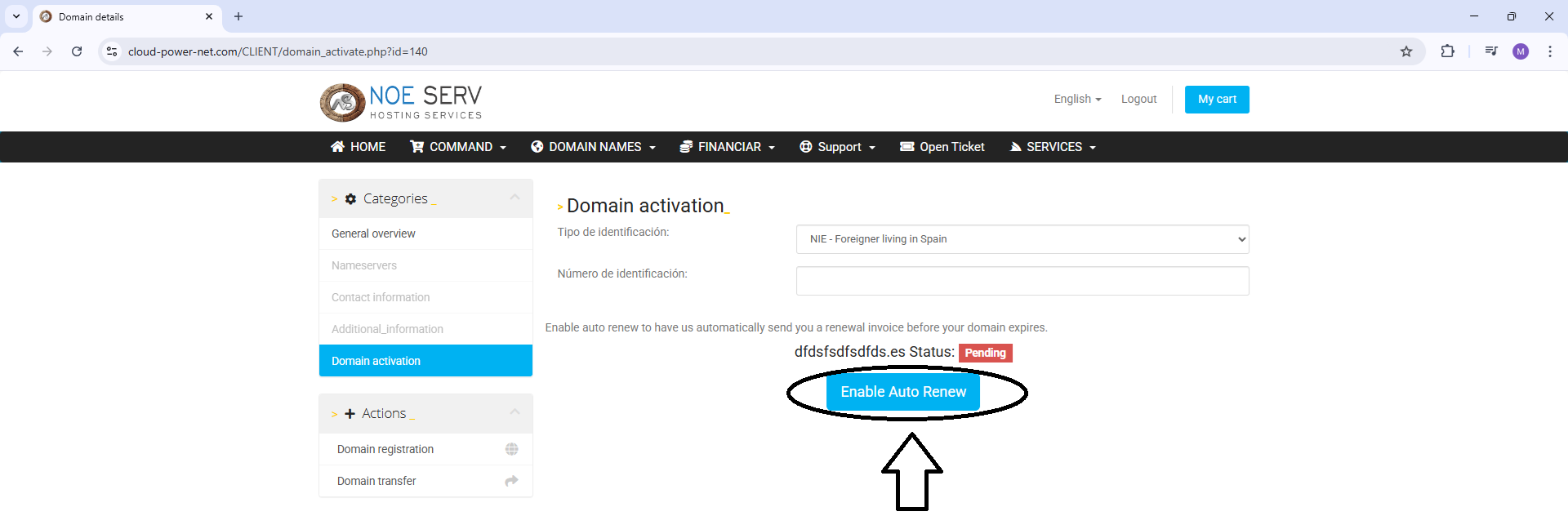
On the domain activation page, you can add additional domain data if necessary. If errors occur that are not related to the correctness of the data, you can contact us via email or chat.